

Host an Exported Webflow Site on Vercel — Free, with Caveats
Vercel is one of the easier homes for an exported Webflow site. The export is already shaped the way Vercel wants it (a folder of static files), and you can be live in about three minutes from the moment you have the ZIP.
The reason it's worth a full post anyway: there are exactly three things that catch people, and all three show up after DNS has been flipped. I've watched enough teams hit them that this writeup is mostly about avoiding the post-launch panic.
If you don't have the export yet, start here — you'll need the ZIP before any of this matters.
The happy path (90 seconds)
You don't need a Git repo for a one-off deploy. The Vercel CLI accepts any folder of static files.
# from inside the unzipped export folder
npx vercel --prod
First run links the directory; subsequent runs deploy. The first time it asks four questions (project name, scope, framework — pick “Other”, build settings — leave blank), then uploads. You get a live URL in under a minute.
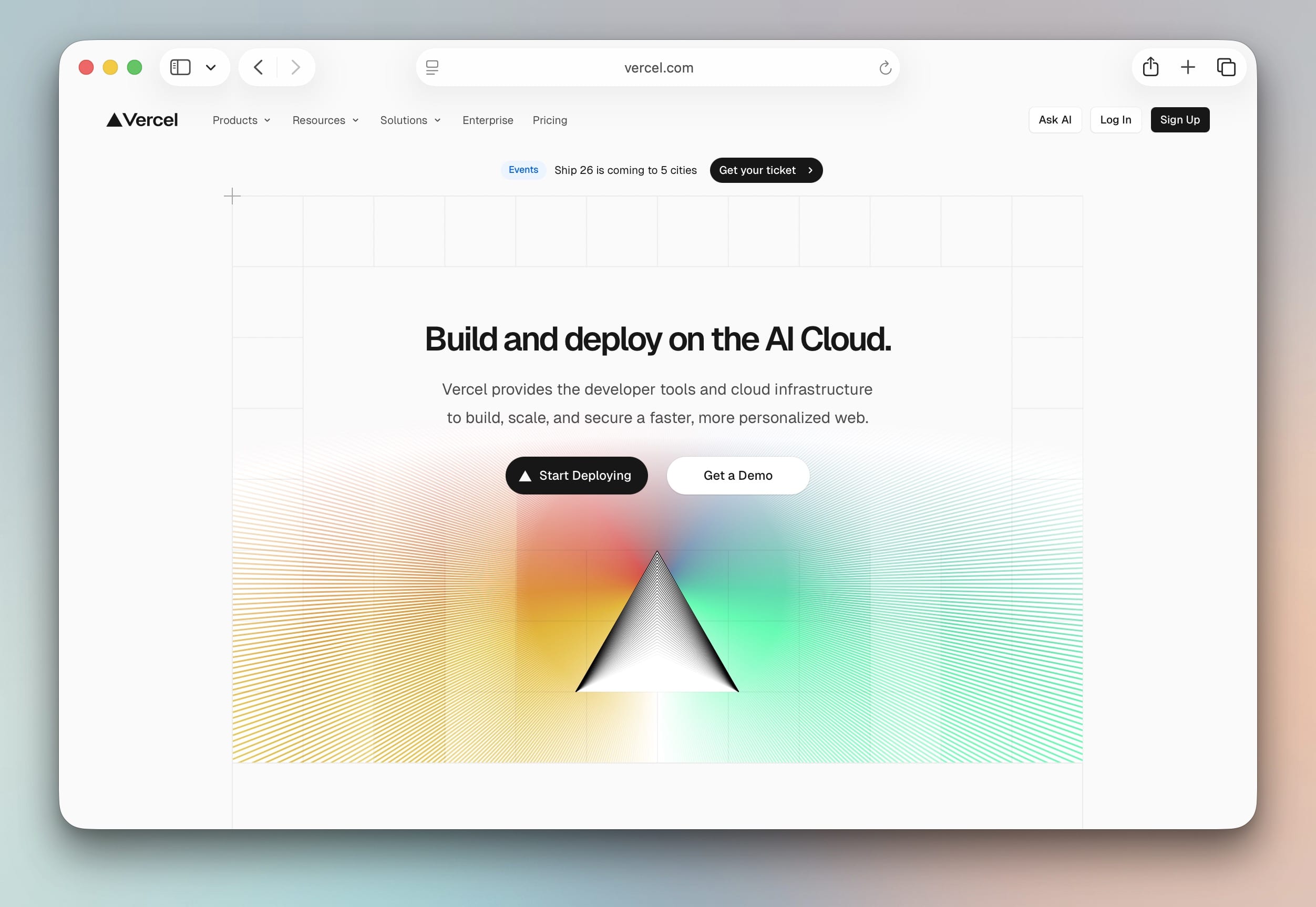
That's the entire happy path. The rest of this post is what to do when it's not just “deploy and walk away.”
Gotcha 1: Hobby tier is non-commercial
Vercel's Hobby plan is free, but it's explicitly non-commercial. The plan limits page in their terms is unambiguous: personal projects, learning, side projects. A client site, a SaaS marketing page, or anything that makes money belongs on Pro.
For a Webflow export, this matters more than it sounds. A lot of teams export because they're leaving Webflow's paid Site plan to save money — but the destination plan also has a price tag if the site is commercial.
The math, roughly:
| Plan | Monthly | What you get |
|---|---|---|
| Webflow CMS | ~$23 | Webflow hosting + CMS + badge removal |
| Vercel Hobby | $0 | Non-commercial only |
| Vercel Pro | $20 | Per seat; commercial OK; more bandwidth/build |
| Netlify free | $0 | Commercial OK; bandwidth-capped |
| Cloudflare PG | $0 | Commercial OK; unlimited bandwidth |
If you're commercial and you want $0/month, look at Cloudflare Pages — same kind of static deploy, no terms wrinkle.
Gotcha 2: Trailing slash mismatch
Webflow serves pages at paths like /about (no trailing slash) by default, though it varies. Vercel's default is also no trailing slash. So far, fine — but the export contains files at about/index.html, which Vercel will also serve under /about/ (trailing slash). Both URLs return the same page.
Why this matters: Google indexed your site under one of the two forms. If you don't pick one and 301 the other, you end up with duplicate indexing, the canonical signal weakens, and rankings drift down for a few weeks until Google figures out what to canonicalize.
Set the convention explicitly in vercel.json at the root of your export folder:
{
  "trailingSlash": false,
  "cleanUrls": true
}
This makes /about/ 308 to /about, and /about.html 308 to /about. One canonical URL per page, no ambiguity. Check what Webflow was serving before you flip DNS — if it was the trailing-slash version, set "trailingSlash": true instead.
Gotcha 3: Forms
Webflow's form handler is part of Webflow hosting. The moment you're on Vercel, those <form action=""> elements POST to nothing. The form looks identical — the visual feedback even works briefly — but submissions vanish.
You have two clean options:
-
Vercel Function. Add
api/contact.tsto the project, point the form'sactionat/api/contact, parse the body, forward to email/Slack/your CRM. This is the “real” answer if the project is going to grow.// api/contact.ts export default async function handler(req: Request) { const data = await req.formData(); // forward to Resend, Slack, Notion — whatever return new Response(null, { status: 303, headers: { Location: "/thank-you" } }); } -
Formspree / Netlify Forms via a static endpoint. Replace the form's
actionwith a Formspree endpoint. Zero code, ~$10/month if you outgrow the free tier.
Decide before you flip DNS, not after. The post-DNS scramble to wire up a form is one of the most common “the migration broke our site” reports.
After it's deployed
Three things to do once the site is up on the Vercel URL, before flipping the production domain:
- Click every page. Static export plus interactions plus animations — most of it works, but a handful of CMS-driven pages occasionally have stale absolute URLs. Look for any 404s in the deployment's real-time logs.
- Open the network tab on the home page. Search for
webflow.comanduploads-ssl.webflow.com. There should be zero hits — every asset should be served from the Vercel domain. If you see any, that's usually a custom-code embed in Webflow that hardcoded a Webflow URL; fix it before going live. - Run the home page through PageSpeed Insights. The export usually scores a bit better than the Webflow original (no runtime CSS injection, no Webflow.js bundle running on every page) — if it scores worse, something's wrong with asset loading.
When to skip Vercel and pick something else
I run Webflow Export and watch users pick hosts every week. The honest breakdown:
- One-time client site, you'll never touch it again → Netlify Drop. Zero config.
- Commercial site, free hosting required → Cloudflare Pages. Unlimited bandwidth, no terms wrinkle.
- Site will probably grow into a Next.js app → Vercel Pro. This is what Vercel is best at.
- Pure docs / personal portfolio → GitHub Pages. Free forever.
Vercel for a static Webflow export is fine, but it's rarely the best answer unless you're betting on the “this becomes a real app someday” trajectory. The host comparison post goes deeper.
Quick recap
npx vercel --prodfrom inside the export folder.- Add
vercel.jsonwithtrailingSlashset to match what Webflow served. - Wire forms to a Function or Formspree before flipping DNS.
- Check Hobby vs Pro based on whether the site is commercial.
The whole migration takes about 30 minutes if you batch the gotchas. The site itself is on Vercel in 90 seconds — the other 28 minutes is the part nobody puts in the YouTube tutorials.
If you haven't exported the site yet, Webflow Export does the crawl, CMS, and asset rewriting in one pass. Or if you're still deciding between hosts, the host comparison guide lays out the full set.